



Shipboard IT from GMTS is Peplink at the edge and UniFi or Peplink through the vessel – VLANs, Wi‑Fi, PoE budgets and labelled racks that survive crew turnover. Live “IT systems” content lives here: switches, guest Wi‑Fi, UPS notes and secure remote access.
MARINE · Solution
Networks & IT
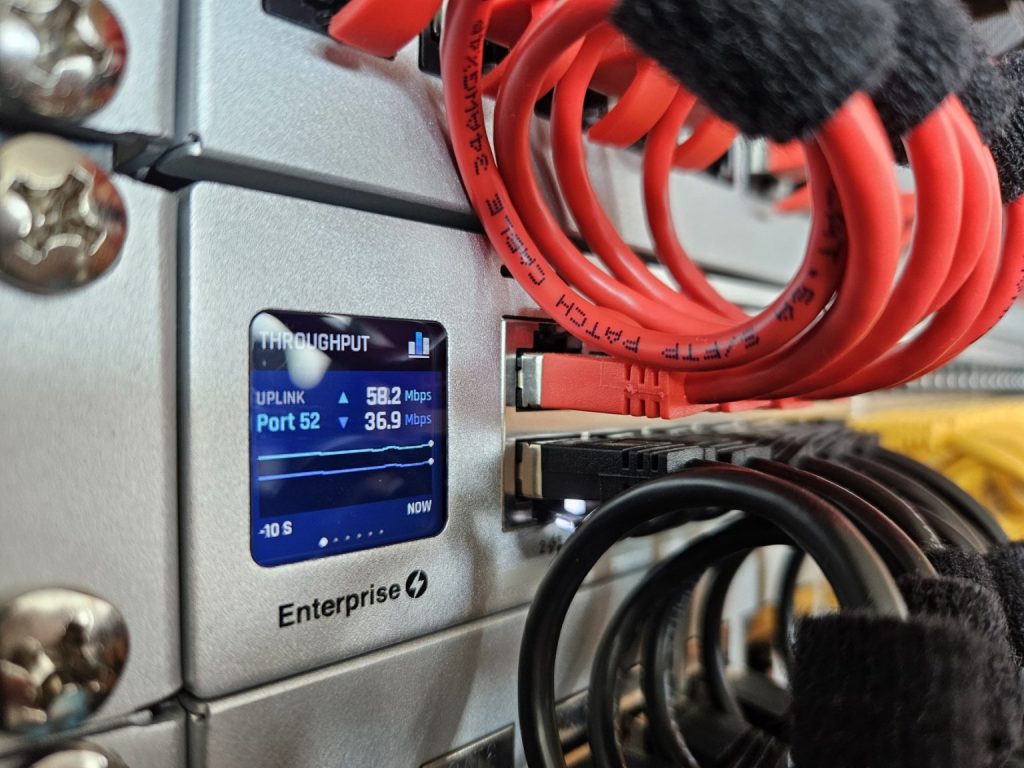
Peplink WAN plus UniFi shipboard LAN - guest, crew, AV and IoT on purpose.
What we supply
- WAN policy diagram – Starlink, cellular, shore internet
- SSID and VLAN map for guests, crew, AV, CCTV and IoT
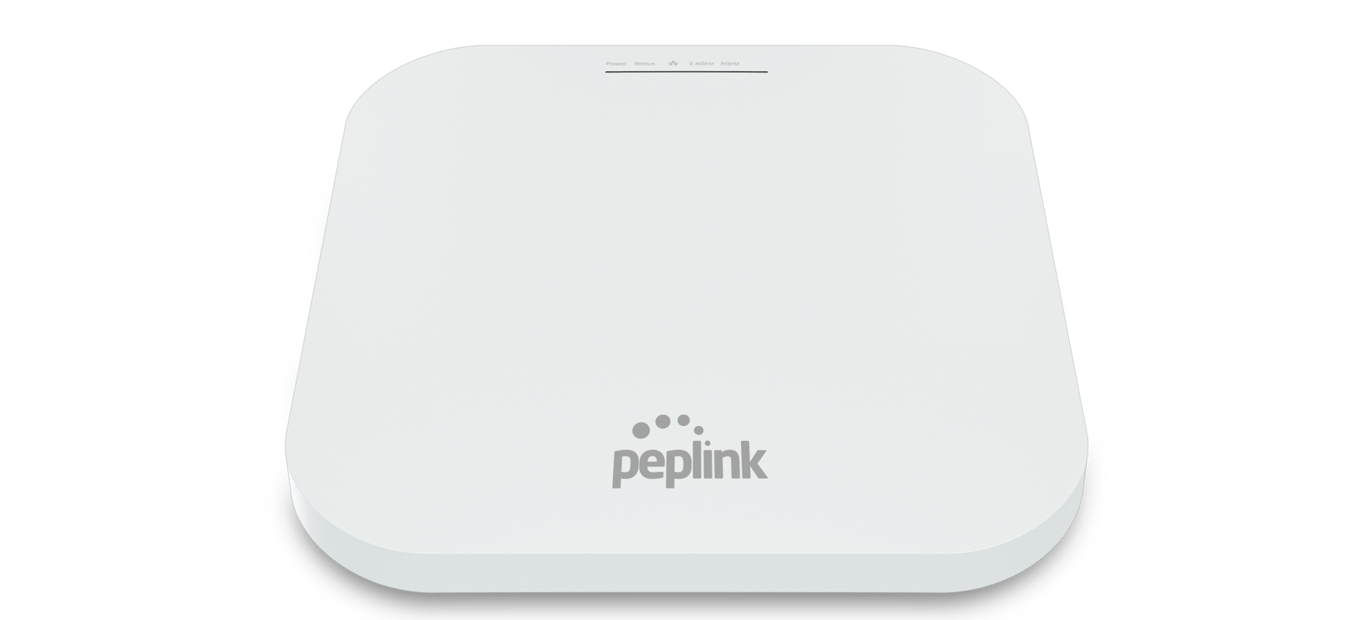
- Wi‑Fi 6 access points placed for steel-hull coverage, not a single salon AP
- Switch inventory, PoE budgets and labelled rack elevations
- UPS / power notes for the rack; secure remote access for managers
Who it is for
- Super yachts that need residential-feeling guest Wi‑Fi without breaking ops
- Commercial vessels with crew welfare and business applications on the same hull
- Owner-operators who want a diagram the next engineer can follow
How we deliver
- Walk the vessel: guest, crew, bridge, AV, CCTV and power
- Design segments and AP placement
- Commission alongside Starlink and AV so you do not pay twice for the same climb
- Handover credentials, cable IDs and escalation contacts
Typical stack
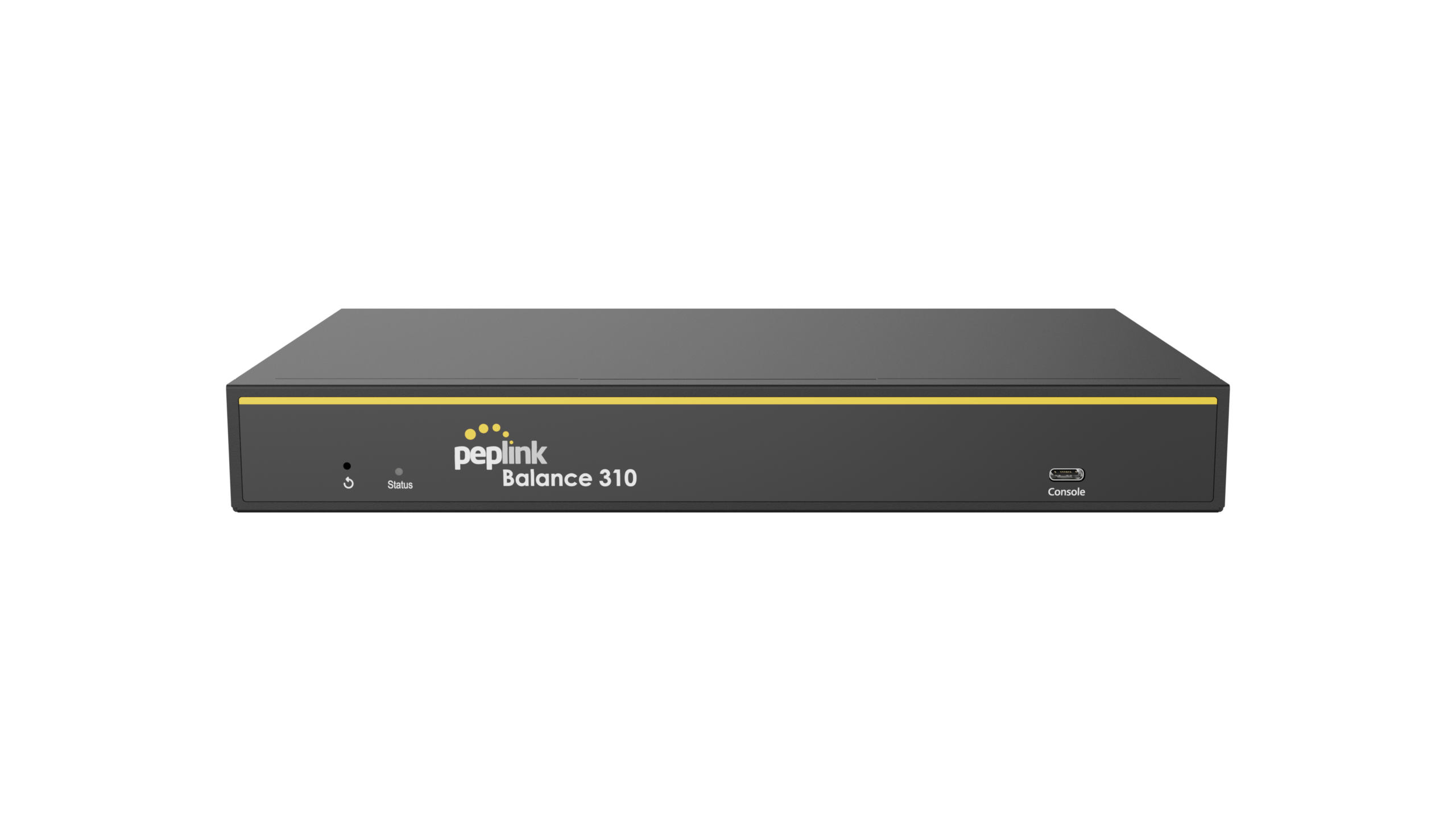
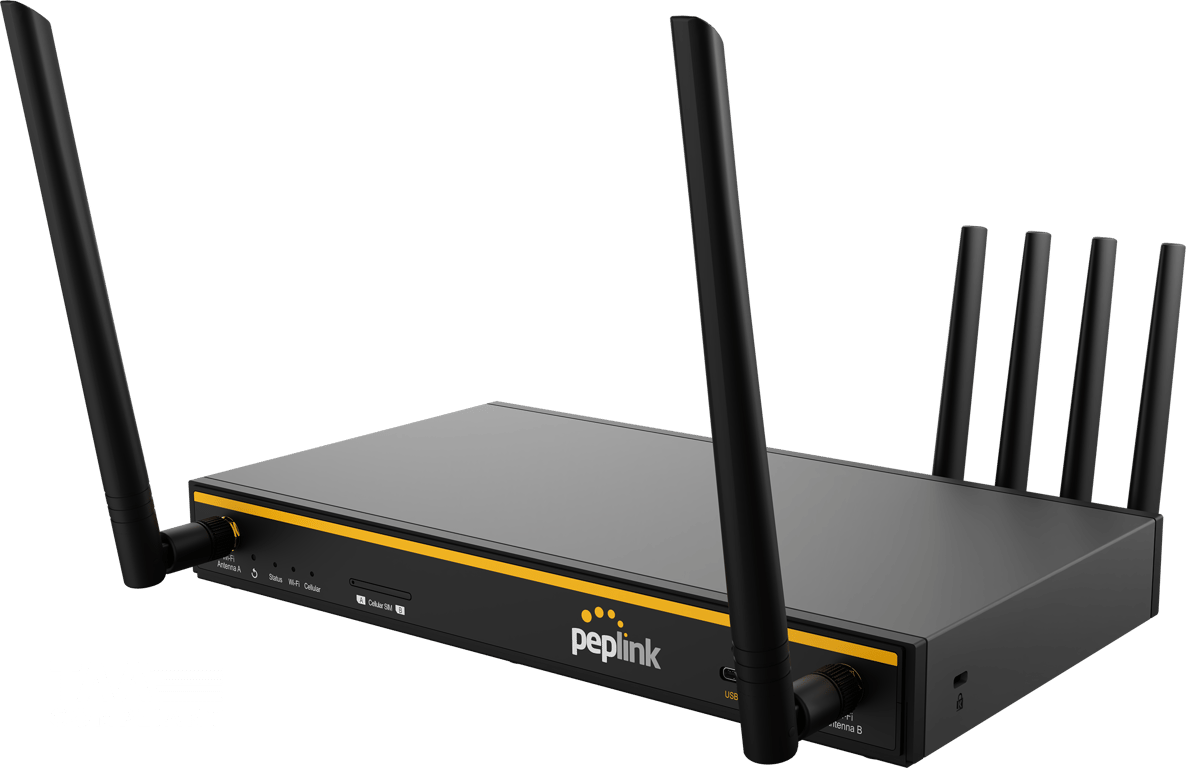
- Peplink Balance or MAX at the WAN edge
- UniFi switching and Wi‑Fi for guest, crew, AV and ops VLANs
- Documented failover tests and a one-page LED guide for the next crew
Shop these systems
Shipboard LAN & NMEA
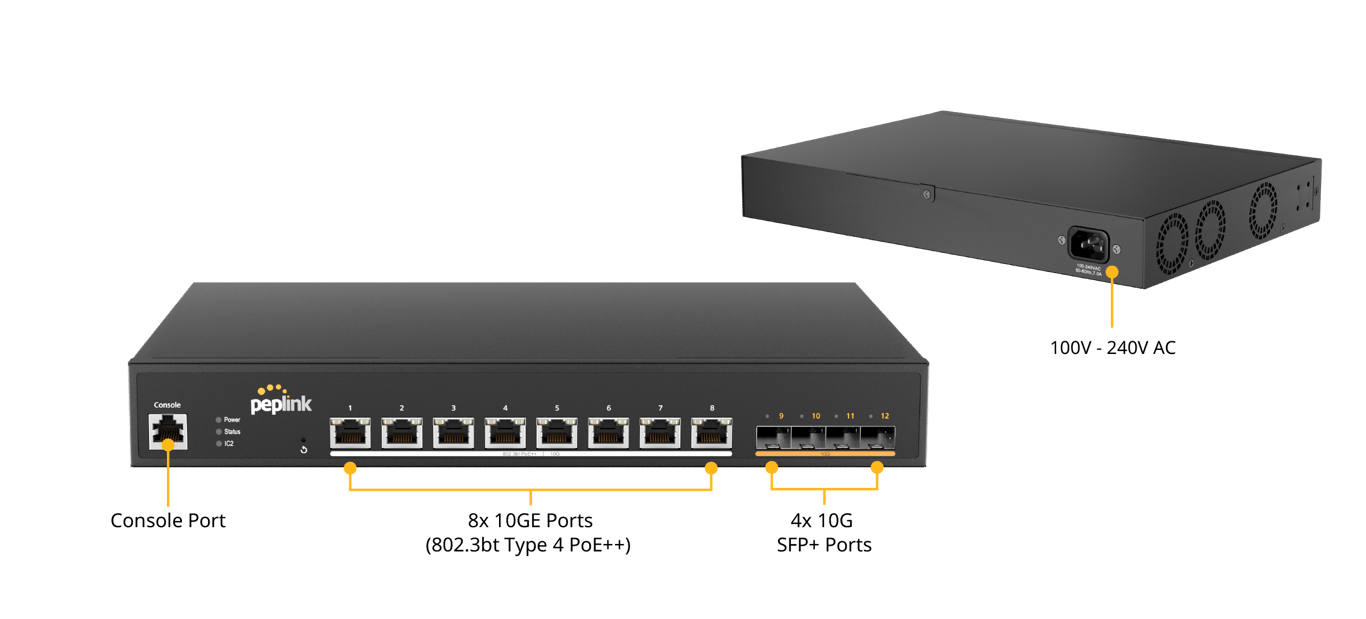
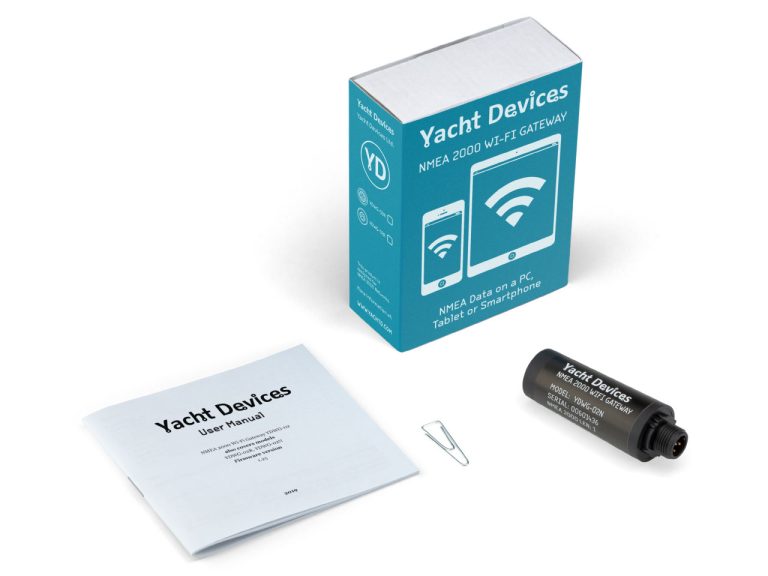
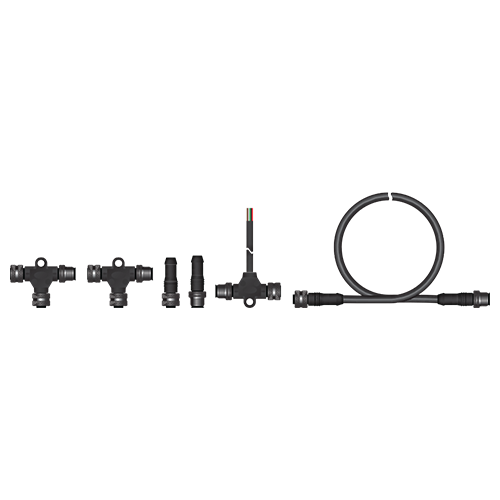
Peplink WAN, UniFi / SD Switch LAN, plus YachtDevices and Oceanic on the ops backbone.
Gallery
Install examples
Marine-Wi-Fi
Managed networks
FAQ
Common questions
UniFi or Peplink access points?
We match the LAN to your integrator and vessel class — both are common on GMTS marine projects.
Can you retrofit an existing Starlink install?
Yes — many projects tidy VLANs and guest Wi-Fi without replacing working WAN hardware.
Do you provide remote access to the vessel?
Yes, with encryption and authentication — not a camera or NVR left on the guest SSID.
How long does a network install take?
A tidy Wi-Fi and VLAN job can be one to two days. A full rack, UPS and multi-deck AP plan is scoped as a project.
Marine team