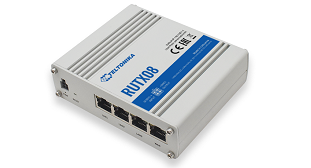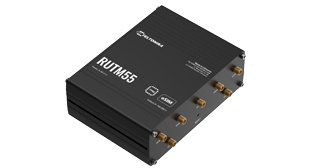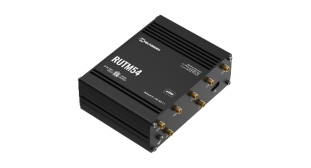



Teltonika RUTX50 Dual SIM Cellular 4G/LTE/5G Gigabit Wi-Fi Broadband Router with I/O and GPS.
Description
- Teltonika RUTX50 Dual SIM Cellular 4G/LTE/5G Gigabit Wi-Fi Broadband Router with I/O and GPS from Teltonika.
Wi-Fi
- This product is listed as Wi-Fi capable.
- Radio generation (Wi-Fi 5 / 6 / 7) and peak rates stay on the manufacturer datasheet when one is published. Those figures are radio maxima, not a site guarantee.
Modem
- Cellular path (modem, booster, or antenna elements - see the product type).
- Modem class and peak downlink/uplink are manufacturer theoretical figures when published. They are not a coverage or throughput guarantee.
Speeds
- Routing, switching, and VPN throughput - where the manufacturer publishes them - are on the datasheet download on this page.
- Peak cellular or Wi-Fi radio rates are not the same as application throughput at the site.
Where it fits
- Industrial RUTOS 5G router (Teltonika RUTX50 Dual SIM Cellular 4G/LTE/5G Gigabit Wi-Fi Broadband Router with I/O and GPS) for plant, vehicles, cabinets, and site huts.
- Compact cellular/WAN when the job is RUTOS, not Peplink SpeedFusion.
- Pair a Teltonika PSU / antenna and a TSW switch.
Request a quote.